Can AR glasses replace a monitor? A realistic productivity guide
The short answer: a portable substitute, not a universal replacement
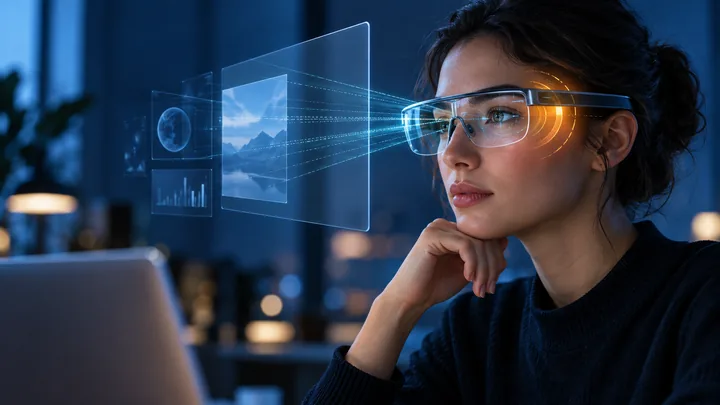
AR glasses can replace a monitor for some focused, portable tasks. They can provide a private large-screen view in a hotel, on a train, at a hot desk or anywhere carrying a full-size display is impractical. A single mirrored screen can work for writing, video, remote access and light office work, while supported desktop software can add anchored, ultrawide or multiple virtual screens.
They do not automatically replace a good physical monitor for an entire workday. Text clarity, field of view, fit, prescription needs, head movement, software support and the source device all affect whether the workspace remains productive. The realistic buying question is not whether AR glasses can display a desktop, but whether the exact glasses, computer and applications support your repeated tasks comfortably.
What a ‘virtual monitor’ can mean
The simplest mode mirrors one external display. The glasses receive a video signal and show a private image that appears larger and farther away than the physical optics. This is useful, but it behaves more like one portable display than a complete spatial desktop. Screen-size claims describe an optical equivalent at a stated viewing distance; they do not mean the device contains a wall-sized panel or matches the pixel density of every desktop monitor.
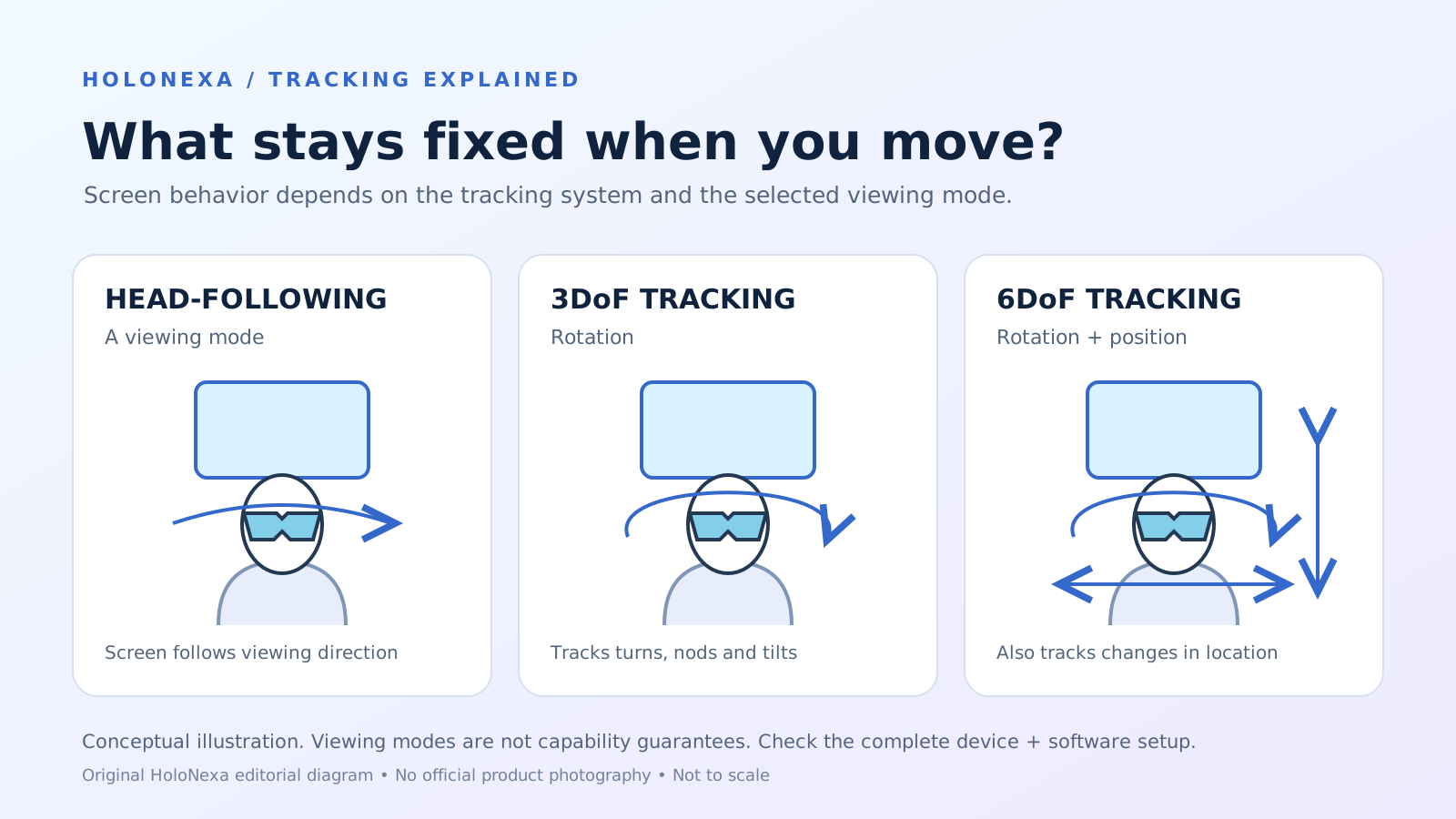
A more capable setup uses companion software to anchor the image, create an ultrawide canvas or arrange several virtual screens. These modes require compatible hardware, an operating system and software—not merely the glasses. Tracking can also differ: three degrees of freedom follow head rotation, while six degrees of freedom can respond to rotation and position. Buyers should verify the exact model-and-platform combination.
Connection comes before screen size
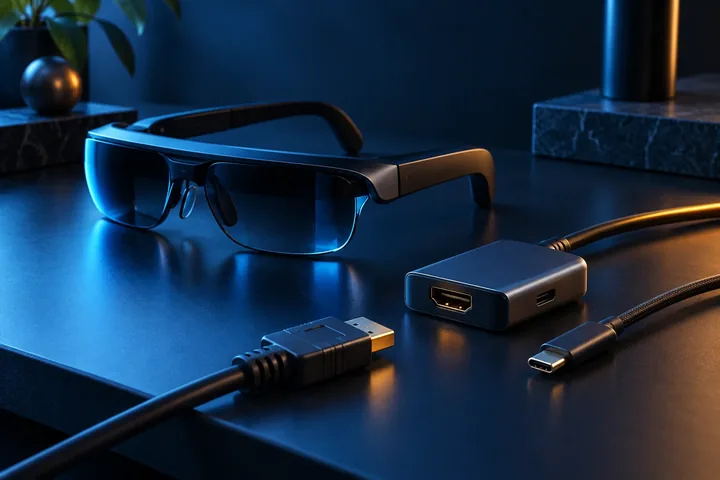
Most tethered display glasses need a source that can output DisplayPort video over USB-C. The familiar USB-C connector shape does not prove that a phone or laptop supports video output. The port, operating system, cable and any adapter must carry the required signal; some devices also need separate power. VESA’s DisplayPort-over-USB-C documentation explains the standard, while manufacturers publish device-specific requirements.
Check the exact computer, phone or console before buying. If the source has HDMI rather than compatible USB-C video, use only a manufacturer-documented powered adapter. Apple, Android and console compatibility can vary by generation. HoloNexa’s USB-C compatibility guide covers this first filter in detail, because a beautiful virtual workspace is irrelevant if the source never produces a supported signal.
Multi-screen software changes the proposition
VITURE documents single, dual, triple, stacked-triple, ultrawide and coding layouts in SpaceWalker for desktop, with 6DoF available on Luma Ultra and 3DoF on other supported glasses. RayNeo’s Mirror Studio guide describes dual, triple and five-screen layouts, requires a Windows computer with USB-C DisplayPort output, and can black out the physical PC screen for privacy. XREAL’s One Series guide documents adjustable screen size and distance plus an ultrawide mode.
These are manufacturer-described capabilities, not independent HoloNexa tests. Availability varies by glasses, computer, operating system and software version, and a layout advertised on one platform may not exist on another. Multi-screen mode may also demand more head movement because only part of a wide workspace is visible at once. Confirm the current download page and release notes for the platform you intend to use.
Text clarity is the deciding test
Productivity lives or dies on readable text. Resolution is only one input: optical focus, eye-box alignment, lens quality, prescription correction, contrast, font scaling and edge clarity all shape the result. Microsoft’s mixed-reality comfort guidance notes that legibility depends on pixel density, brightness, contrast, lens and typography. A headline resolution or virtual-inch figure therefore cannot predict how a dense spreadsheet or small code editor will look to a particular wearer.
Test the actual applications and font sizes you use. Read text in the center and corners, move your eyes without moving your head, and check whether a comfortable fit keeps both eyes aligned with the image. If you must enlarge every interface until little content remains visible, the workspace may be technically functional but less productive than a modest physical monitor.
Field of view and head movement set practical limits
A virtual desktop may extend beyond the glasses’ visible window. You can turn your head to inspect another area, but you lose some peripheral awareness of the rest of the workspace. That can be acceptable for one focused document and tiring for repeated comparisons across several screens. Anchoring quality matters too: drift or jitter that is barely noticeable during a film can become distracting around fine text and straight interface elements.
Published research on AR virtual monitors found that serious productivity is feasible, but current systems impose usability and performance constraints compared with physical monitors. A separate empirical comparison identified readability, lower effective resolution, limited field of view and added head movement as important factors. Those studies examined particular hardware and should not be treated as a verdict on every newer product, but the constraints remain useful test criteria.
Comfort, privacy and ergonomics
A wearable display moves part of the workstation onto the face. Frame pressure, nose-pad fit, heat, cable pull and prescription inserts can change comfort over time. Keep a neutral posture, adjust the apparent screen rather than craning the neck, and take regular breaks. HoloNexa does not offer medical advice; anyone with persistent discomfort, double vision, dizziness or headaches should stop and seek appropriate professional guidance.
Privacy is a genuine advantage in public spaces because nearby people cannot directly see the virtual screen, and some software can blank the laptop panel. It is not complete confidentiality: people can still see the keyboard, hear audio, observe the room and possibly view an unlocked source device. Camera-equipped models also introduce separate workplace and bystander considerations.
When AR glasses make sense—and when they do not
They make the strongest case for travelers, remote workers and people who need a private screen in temporary spaces. One focused writing window, a remote desktop, a film after work or a second display beside a laptop can justify the format. The value is portability and privacy, not the claim that a pair of glasses has made every desk obsolete.
A calibrated physical monitor remains the safer choice for color-critical work, shared review, precise layout, long dense spreadsheets and tasks that demand constant peripheral context. A conventional monitor also avoids facial fit, battery, cable and tracking variables. Many users will get the best result from a hybrid setup: a physical display at the main desk and glasses as an additional or travel screen.
A realistic return-window test
Test the complete chain before the return period ends: the exact laptop or phone, cable, adapter, operating system and applications. Work for 30 to 60 minutes on a representative document, spreadsheet, browser session and video call. Check center and edge text, scaling, cursor accuracy, anchor stability, keyboard visibility, audio leakage, heat and whether charging changes the setup.
Repeat the test with prescription inserts or corrective lenses if needed, and try the posture and lighting you will actually use. Verify how quickly the workspace reconnects after sleep, whether multi-screen layouts are preserved and whether the computer can power the glasses for the expected session. A repeatable workflow matters more than a dramatic five-minute demo.
HoloNexa analysis: think portable monitor, not monitor abolition
AR display glasses are becoming credible portable monitors because direct video input is common and desktop software can turn one image into an anchored or multi-screen workspace. That is meaningful progress. The category is strongest where physical screen size, privacy and luggage space are real constraints—not where marketing asks buyers to ignore optics and ergonomics.
For most people, the sensible comparison is against a portable monitor, not against an ideal permanent desk. Judge the glasses by readable working area, compatibility, comfort and setup friction. If they let you complete a recurring task in a place where no useful monitor fits, they have succeeded even if they never replace the monitor at home.
Frequently asked questions
Can AR glasses work with Windows and Mac? Some models do, but direct video and multi-screen software support must be checked separately for the exact computer and operating system. Do all USB-C laptops work? No; the port normally needs compatible DisplayPort video output. Can glasses show multiple monitors? Selected models and companion apps can, with platform-specific limits.
Are they comfortable for all-day work? Comfort is individual, and long sessions should be tested rather than assumed. Can they replace a gaming monitor? They can provide a private large image, but refresh rate, latency, variable-refresh support, resolution and comfort may not match a dedicated gaming display. Do prescription users have options? Many models offer inserts, but supported prescriptions and fitting procedures vary.
Guide details and methodology
All insightsProductivity guide
AR glasses can create a private portable workspace, but they are not a universal monitor replacement. Learn what works, what limits productivity and what to test.
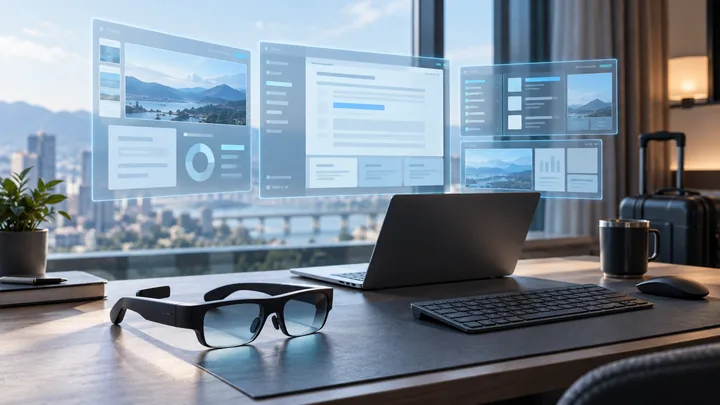 Original HoloNexa editorial illustration. It is not an official product photograph.
Documented compatibility can change with hardware, software and accessory revisions. No hands-on testing is claimed.
Recorded US prices
- RayNeo Air 3s Pro$299 new · sold out; $279 refurbished · Price checked: November 5, 2026 · Official price source
- VITURE Luma Ultra$599 · sold out · Price checked: November 2, 2026 · Official price source
- XREAL One Pro$599 sale · regular $649 · Price checked: November 2, 2026 · Official price source
This status applies to the price record only; specifications, compatibility and final availability require separate confirmation.
This research-based guide uses manufacturer documentation for product facts. Evaluation and buying guidance are independent analysis; it is not presented as hands-on testing.
Official sources
Specifications, availability and program terms can change. Confirm current information on the linked manufacturer pages.
- XREAL: official One Series user guide
- VITURE: official SpaceWalker Desktop guide
- VITURE: official productivity overview
- RayNeo: official Mirror Studio guide
- VESA: DisplayPort over USB-C
- Microsoft Learn: mixed-reality comfort and text legibility
- Virginia Tech: AR virtual monitors for productivity research
- Frontiers in Virtual Reality: empirical comparison of virtual and physical monitors