Which Rokid should you choose? A task-first guide
Start with the task, not the AR label
Rokid's tracked range covers different jobs: personal viewing from another device, a station-based entertainment or spatial system, and AI eyewear with or without a display. These are not successive upgrades to one universal pair of glasses. Choosing a category first prevents paying for a computing unit when a laptop already supplies the video, or choosing a display-free camera frame when visible captions are the central requirement.
This decision guide combines the official-source checks linked below with the individual HoloNexa guides. It contains buying analysis rather than hands-on performance results. Prices concern the exact identified configurations on the dated check. They are not estimates for a complete setup, retailer affiliate quotations or converted amounts for another country.
Analysis: cinema, travel and compatible gaming
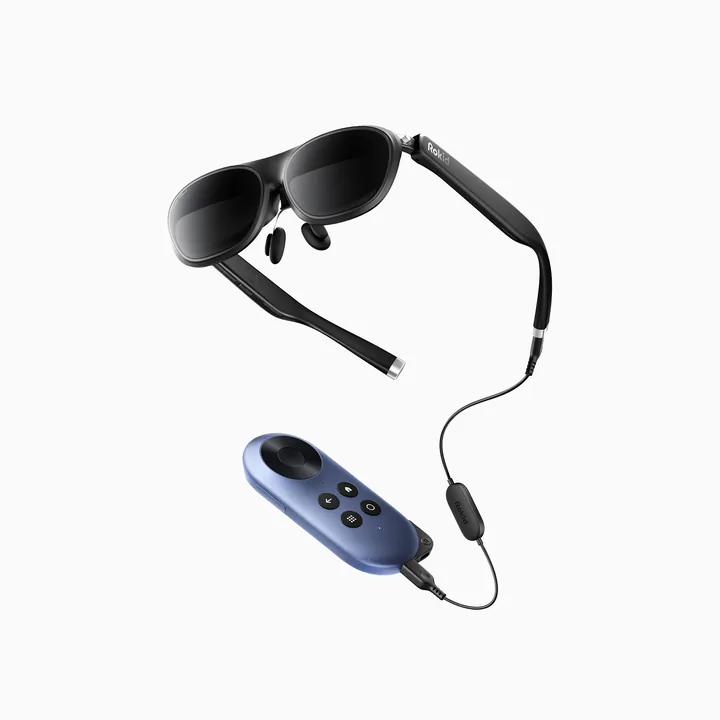
Investigate Max 2 first when you already own the source that plays your films or games. Establish the video-output path and optical requirements before comparing accessories. In that situation, standalone glasses and a separate station are different baskets. An additional player only earns its place if it supplies an application, control method or battery arrangement you actually need.
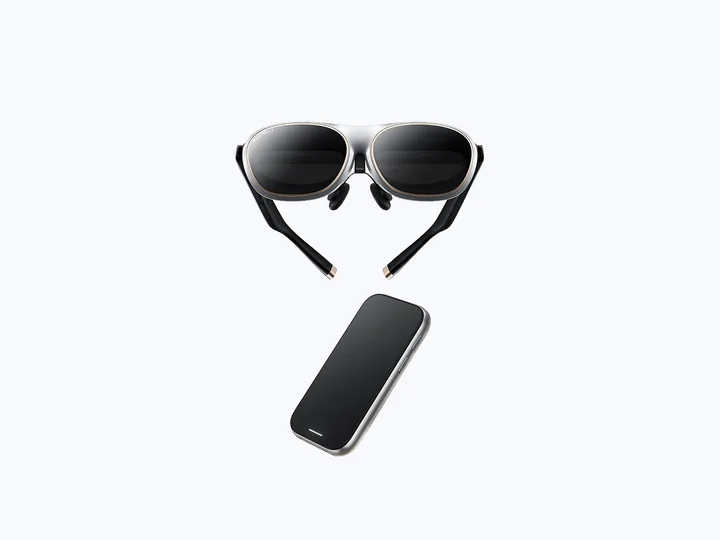
AR Joy 2 is worth researching when the packaged entertainment route is the attraction. Its official selector includes separate glasses choices as well as the named bundle, so the lowest family-level amount must not become the bundle price. Confirm the station generation, supported services and included controls. A private virtual screen also does not replace a television when several people want to watch together.
Analysis: spatial applications and multiple windows
AR Spatial is the specific Max 2 and Station 2 system to investigate for the documented spatial application environment. Rokid describes a rotationally tracked workspace; that does not establish full movement tracking throughout a room. Ask whether your actual applications and input method fit that environment instead of buying on the largest virtual-screen diagonal alone.
Station 2's official support answer says it does not accept DisplayPort input. That is an important stopping point if your plan assumes a universal wired console dock. A documented casting route is not the same signal path. Buyers who only need an existing computer's video should compare the standalone-glasses connection before paying for another operating environment.
Analysis: information assistance or audio-led capture
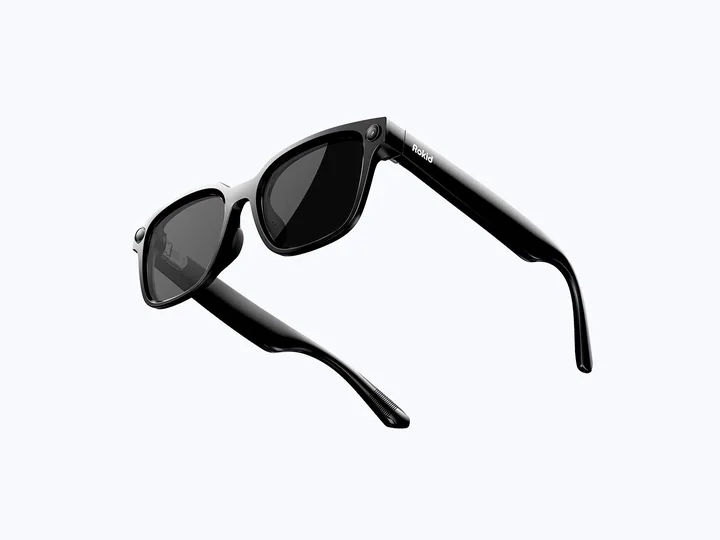
Display-equipped Rokid Glasses is the relevant investigation for prompts, supported translation text and other information in the field of view. Style is the separate display-free camera-and-audio choice. Someone who cannot name a visual information task should compare Style before assuming a display improves everyday calls or short recordings.
The reverse also matters: Style cannot show text simply because an app offers translation. Verify the hardware category before checking languages and services. For either AI family, phone access, accounts, connectivity and the exact supported application remain part of ownership. A feature shown in a demonstration is not proof that every language or region has the same availability.
What to check before you buy
Write one connection plan for a viewing model and one service plan for an AI model. The first identifies the source, video path, adapters and power. The second identifies the phone, app, account, intended language and network requirement. If a requirement cannot be established from the official instructions, resolve it with the manufacturer rather than buying a speculative adapter or subscription.
Match optical accessories and cases by model. The official store labels some parts for display-equipped Glasses and others for Style. Also check prescription fitting separately from Max 2's built-in adjustment. Save the selected order, destination, delivery estimate and returns conditions. The current store wording imposes conditions on unused, complete goods; do not assume an unrestricted extended home trial.
Confirmed price checks and unresolved regional offers
The dated official checks record Max 2 at USD 249, Style at USD 329, AR Spatial at USD 399 and the named AR Joy 2 option at USD 499. Sale and regular amounts are distinguished in the supporting product guides. These are separate configurations, not a package assembled or priced by HoloNexa.
For display-equipped Glasses, the official collection directs buyers through region-specific or retailer routes. A new US manufacturer-checkout amount was not independently confirmed in this run. The earlier catalogue reference is therefore not relabeled as a freshly checked price. Use the named official route and verify the seller's actual configuration before comparing it with another model.
Analysis: comparison with alternatives
The Max 2 and AR Spatial guides explain the difference between a source-driven display and a dedicated workspace. The Glasses and Style guides explain visible information versus spoken interaction. Read the two that match your task, then use the comparison tool to inspect recorded product data without treating category labels as performance scores.
Outside Rokid, HoloNexa tracks XREAL One Pro for personal display research, RayNeo X3 Pro for information-display research and Ray-Ban Meta for camera-and-audio research. Their own requirements must be checked independently. Similar purposes do not imply shared accessories, subscriptions or optical fit, and no side-by-side testing is claimed.
- Rokid AR Spatial buyer's guide: Max 2, Station 2 and the checks before you buy
- Rokid AR Joy 2: should you buy the complete spatial bundle?
- XREAL One Pro: premium spatial viewing examined
- Rokid Glasses: display-equipped AI eyewear under scrutiny
- Rokid AI Glasses Style: is display-free the smarter choice?
FAQ: which Rokid is the simplest place to research a phone-driven screen?
Max 2 is the standalone display route in this tracked range. Verify the phone's video output and optical needs before adding a station or adapter.
FAQ: which one should I investigate for Station 2's workspace?
AR Spatial is the documented system pairing. Confirm its applications and input limitations, particularly the absence of DisplayPort input on Station 2.
FAQ: which family has no information display?
Style is display-free. Display-equipped Glasses is a separate product family; the names and model-specific accessories should not be mixed.
FAQ: does a listed amount include all ownership costs?
No. The dated amounts identify official configurations. Required sources, optical services, optional accessories, subscriptions and destination-dependent charges remain separate checks.
Guide details and methodology
All insightsBuyer’s guide
Choose between Rokid displays, station bundles and AI eyewear using verified model differences, source requirements and dated official price checks.
 Original HoloNexa editorial illustration. It is not an official product photograph.
Documented compatibility can change with hardware, software and accessory revisions. No hands-on testing is claimed.
This research-based guide uses manufacturer documentation for product facts. Evaluation and buying guidance are independent analysis; it is not presented as hands-on testing.
Official sources
Specifications, availability and program terms can change. Confirm current information on the linked manufacturer pages.