Smart glasses at work: a privacy and security policy checklist
The short answer: treat smart glasses as sensors, not ordinary eyewear
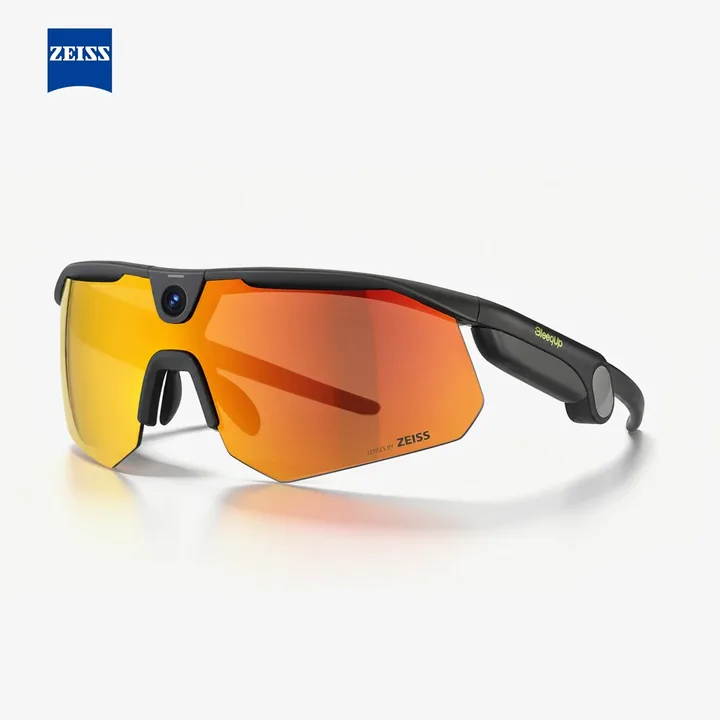
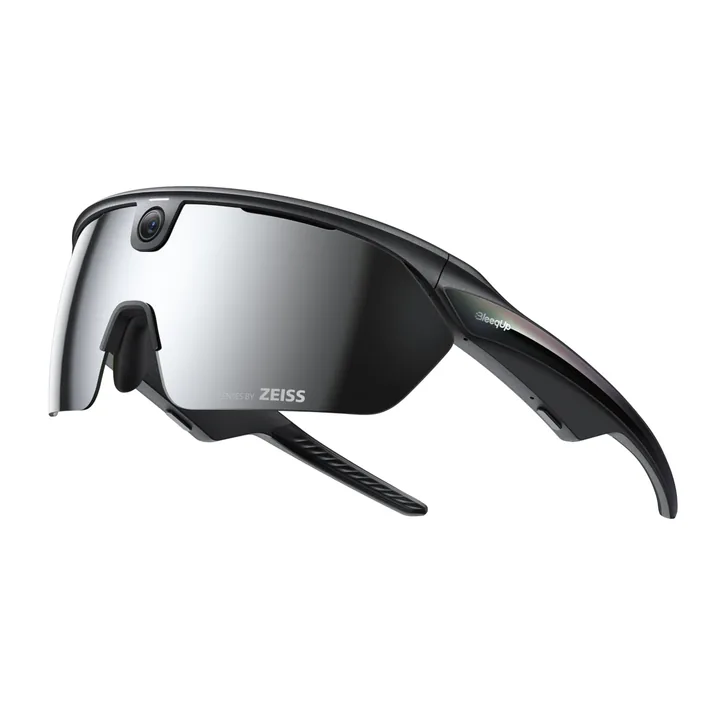
A workplace policy should begin with capability, not appearance. Camera-enabled smart glasses may capture images, video and audio; connect to cloud services; respond to voice commands; or use sensors to understand the wearer’s surroundings. Even when a device is not saving a conventional recording, it can still process information about people, documents, screens and locations.
The practical consequence is that a general bring-your-own-device rule is rarely specific enough. Organizations need a separate decision for each model, application and work area. This guide is an operational checklist, not legal advice; employment, privacy, surveillance, labor and sector rules differ by jurisdiction and may require specialist review or employee-representative involvement.
Start with a use case and a data-flow map
Write down the job the glasses are meant to perform: remote expert support, hands-free instructions, documentation, translation, accessibility or training. If a phone, fixed camera or non-recording display can meet the same need with less exposure, record why glasses are still justified. A fashionable device is not a business case.
Then map the information path. Identify every sensor used, when it activates, what is stored, whether processing occurs on the device or in the cloud, which accounts are connected, where data is transferred, how long it is retained and who can retrieve it. NIST describes its Privacy Framework as a voluntary tool for identifying and managing privacy risk; that risk-based approach is more useful than relying on a single product setting.
Define permitted and prohibited places
Create an explicit zone list. A low-risk pilot area might be a controlled workshop with no customer data. Restricted zones commonly include toilets and changing areas, medical or counseling spaces, HR meetings, legal discussions, security control rooms, research areas, production lines containing trade secrets and any place displaying personal or payment information.
Do not depend on employees remembering a long exception list. Use entrance signs, device lockers or visible storage procedures where appropriate. Contractors and visitors also need a clear rule. The policy should explain whether wearing powered-off glasses is allowed in a restricted space, because colleagues may be unable to tell whether the device is active.
Make recording status and consent understandable
A recording light is helpful but should not be the only control. Snap says SPECS use an external LED and an audible signal for photo, video or audio capture. That is a manufacturer-described safeguard; it does not prove that every nearby person noticed, understood or agreed to the recording, and it does not decide whether processing is lawful.
Require the wearer to announce the purpose before capture, identify who is responsible for the recording and provide a practical way to decline when the situation allows. For recurring workflows, use written notices and a documented process rather than improvised verbal consent. The European Data Protection Board’s video-device guidance is a useful reference for organizations subject to European data-protection rules, but local advice is still needed for a specific deployment.
Apply least privilege to apps, accounts and AI features
Approve only the applications needed for the stated task. Review camera, microphone, location, contacts, messaging, calendar, file and cloud-storage permissions separately. Personal social accounts should not be the default identity for enterprise capture. Use managed accounts, strong authentication and role-based access where the platform supports them.
AI assistants add another layer: prompts may include what the wearer sees or hears, and suggested actions may cross into email, documents or connected services. Require human approval before external actions, restrict sensitive integrations and document which data may be sent to a model or cloud service. Re-check permissions after firmware, app or service updates instead of treating the first setup as permanent.
Set retention, export and deletion rules before the pilot
Decide where authorized files land and prohibit uncontrolled copies. The policy should state a retention period, deletion owner, approved export destinations and the handling of screenshots, transcripts and AI-generated notes. If the workflow needs a business record, move it into the organization’s governed repository; do not leave the only copy inside a consumer companion app.
Test deletion rather than merely documenting it. Confirm whether deleting from the glasses also removes the phone copy, cloud copy, shared album, transcript and backup. Record any limitation. If a vendor or developer receives raw sensor data, telemetry or support logs, contract and security reviews should cover those flows explicitly.
Build security and incident response around the device
Require supported software, screen or account locks, secure pairing, prompt removal of departed users and an inventory that links each device to an owner. Define what happens when glasses, a charging case or a paired phone is lost. A response plan should include account revocation, remote actions where available, evidence preservation, notification routes and an assessment of what the device could access.
Also plan for misuse that does not involve theft: recording in a prohibited meeting, sharing a clip to the wrong service, disabling or obscuring an indicator, or connecting an unapproved account. Employees need a simple reporting channel and a proportionate response process. Security controls work better when the policy distinguishes mistakes from deliberate circumvention.
Run a narrow pilot and measure the outcome
Start with a small group, one location and one measurable task. Track whether the glasses reduce task time, errors, travel or support calls, while also recording privacy objections, accidental captures, permission changes, support burden and device failures. Stop or redesign the pilot if the operational benefit cannot be separated from avoidable surveillance.
HoloNexa’s analysis is that smart glasses earn a place at work only when hands-free context produces a clear advantage. The strongest policy is not a blanket ban or blanket permission; it is a bounded authorization with named owners, restricted zones, minimal data access and a scheduled review date.
A 12-point smart-glasses policy checklist
Before approval, confirm: one defined use case; a named business owner; a privacy and security reviewer; an exact model and software version; a sensor and data-flow map; permitted and prohibited zones; a recording-notice procedure; least-privilege app permissions; managed accounts; retention and deletion rules; a lost-device and misuse response; and a pilot end date with success and stop criteria.
Frequently asked questions: Can employees wear smart glasses if they promise not to record? That depends on the environment and enforceability; some zones may require removal or storage. Is a visible LED enough? No—treat it as one signal within a wider notice and control process. Should every workplace ban the devices? Not automatically; evaluate the specific task, data and setting. Has HoloNexa tested these controls? No. This guide synthesizes official documentation and risk-management guidance verified on September 21, 2026.
Guide details and methodology
All insightsEnterprise guide
A practical policy framework for camera-enabled smart glasses at work, covering recording, consent, restricted spaces, data access and incident response.
 Original HoloNexa editorial illustration. It is not an official product photograph.
Documented compatibility can change with hardware, software and accessory revisions. No hands-on testing is claimed.
This research-based guide uses manufacturer documentation for product facts. Evaluation and buying guidance are independent analysis; it is not presented as hands-on testing.
Official sources
Specifications, availability and program terms can change. Confirm current information on the linked manufacturer pages.