How to create content for spatial and holographic displays
Begin with the display volume
Before modeling, learn how the target device handles depth, crop, background and viewing angle. Content designed for a flat 16:9 video often wastes the distinctive part of a spatial display.
Create a short visual brief defining the subject, real-world scale, focal movement, loop length and viewer distance. Decide which claim or action the viewer should remember.
Build once, adapt deliberately
Keep clean master assets with sensible geometry, materials and animation. Create device-specific exports from that source rather than treating the vendor player as the archive. This preserves the ability to adapt content to another screen later.
Use the manufacturer's supported formats and plugins, then test on hardware early. Desktop previews cannot reveal optical depth, cross-talk, reflections or physical comfort.
Editorial quality control
Review legibility, motion speed, depth placement, color, loop transition and performance. Test from the edges of the intended viewing zone and in the real ambient light.
Document the final settings and rights for every asset, including music, models, fonts and people. A professional spatial campaign is a content system, not a single spectacular file.
Guide details and methodology
All insightsHow-to
From the first 3D asset to device testing: a reusable production workflow for brands and teams.
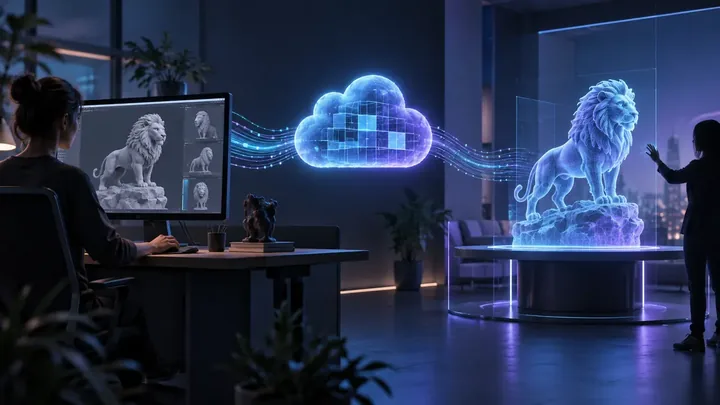 Original HoloNexa editorial illustration. It is not an official product photograph.
This research-based guide uses manufacturer documentation for product facts. Evaluation and buying guidance are independent analysis; it is not presented as hands-on testing.
Official sources
Specifications, availability and program terms can change. Confirm current information on the linked manufacturer pages.