VITURE Luma Ultra: when spatial features add value
Beyond simple screen mirroring
Luma Ultra is positioned for buyers interested in spatial functions as well as private-screen viewing. That makes software support and tracking behavior more important than brightness or apparent screen size in isolation.
List the spatial apps you will use and verify which device or accessory enables each feature. A capability shown in one ecosystem may not work identically with every phone or computer.
Test the complete chain
Check video output, adapters, operating-system support, firmware, control method and charging. Evaluate stability while seated and moving, and distinguish fixed-screen behavior from more advanced tracking.
Comfort and prescription compatibility remain fundamental. A feature-rich pair that requires constant adjustment will not become an everyday tool.
Guide details and methodology
All insightsBuyer’s guide
The premium only pays when tracking, software and compatible devices support a real spatial workflow.
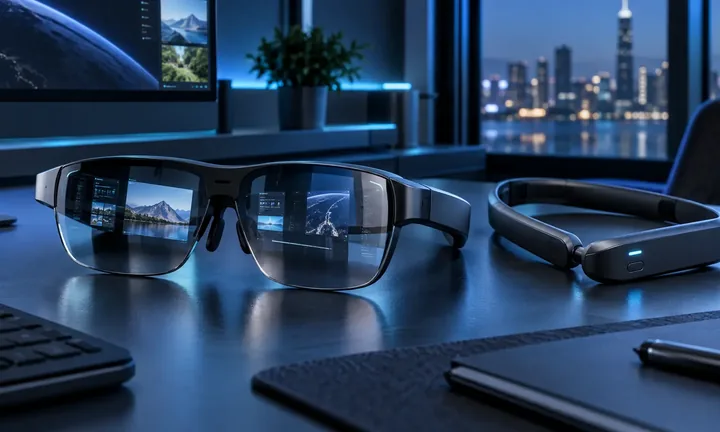 Original HoloNexa editorial illustration. It is not an official product photograph.
Recorded US prices
- VITURE Luma Ultra$599 · sold out · Price checked: November 2, 2026 · Official price source
This status applies to the price record only; specifications, compatibility and final availability require separate confirmation.
This research-based guide uses manufacturer documentation for product facts. Evaluation and buying guidance are independent analysis; it is not presented as hands-on testing.
Official sources
Specifications, availability and program terms can change. Confirm current information on the linked manufacturer pages.