VITURE Pro 2: a portable-screen buying guide
A private display, not a hologram
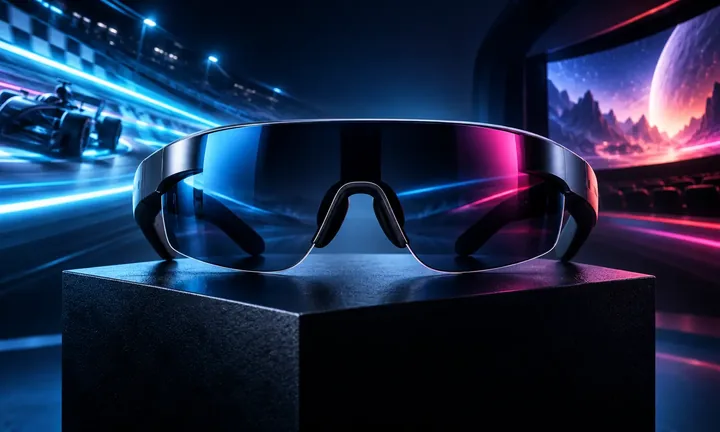
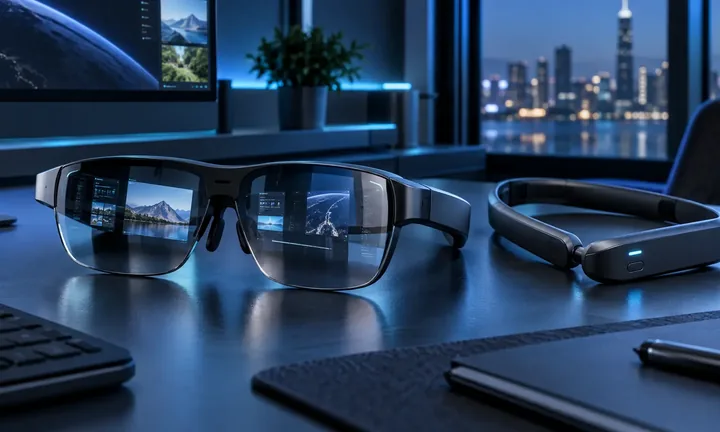
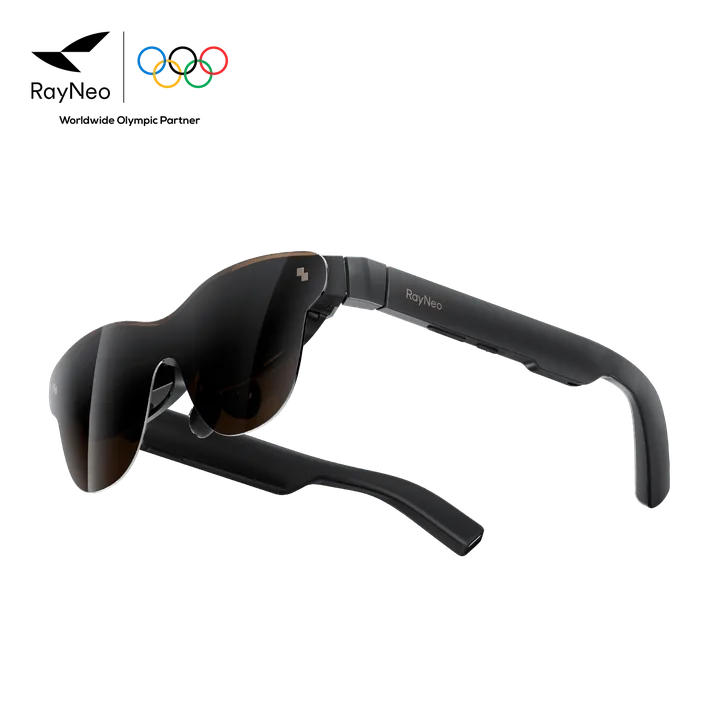
VITURE Pro 2 is best understood as wearable display glasses for compatible phones, handhelds and computers. The image is personal to the wearer; it is not a shared holographic object in the room.
That distinction helps set expectations. The product can reduce the need for a portable monitor, but it does not provide full room-scale mixed reality by itself.
Compatibility decides the experience
Check whether every intended device outputs video over its port or needs an adapter. Include docks, charging accessories, controllers and any spatial features in the complete workflow.
Fit, nose support, prescription needs and perceived image alignment vary by user. A return window is valuable when an in-person trial is unavailable.
Best-fit buyer
Pro 2 makes sense for travelers and handheld gamers who want a private large-screen effect and already own compatible sources. A conventional monitor is better for shared viewing, color-critical work or all-day desk ergonomics.
Use VITURE’s official store for current bundles and ask its creator team about partnership terms before publishing affiliate claims.
Guide details and methodology
All insightsBuyer’s guide
Compatibility, fit, gaming latency and accessory cost determine whether XR glasses replace a travel display.
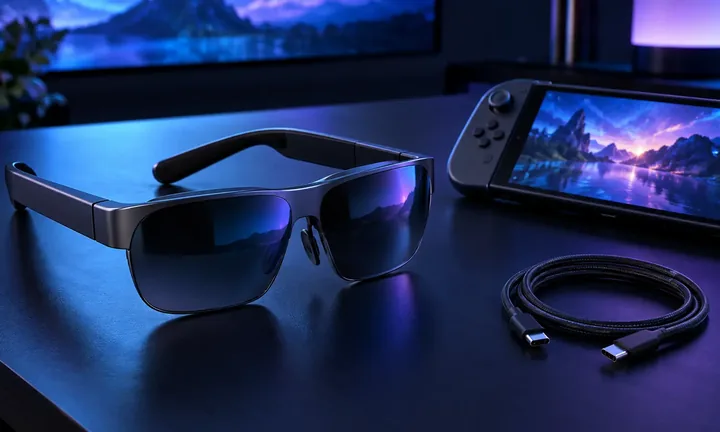 Original HoloNexa editorial illustration. It is not an official product photograph.
Recorded US prices
- VITURE Pro 2$299 · Price checked: November 2, 2026 · Official price source
This status applies to the price record only; specifications, compatibility and final availability require separate confirmation.
This research-based guide uses manufacturer documentation for product facts. Evaluation and buying guidance are independent analysis; it is not presented as hands-on testing.
Official sources
Specifications, availability and program terms can change. Confirm current information on the linked manufacturer pages.