BleeqUp Rover buyer’s guide: tilt camera, sports AI and what to check
Affiliate disclosure: Links may earn HoloNexa a commission at no extra cost to you.
BleeqUp Rover review: what we can and cannot tell you
Confirmed facts: BleeqUp documents an adjustable camera, selectable recording modes, onboard storage, open-ear audio and companion-app sports functions. Its official page also specifies recording limits for particular video modes. Those details let you check whether the documented capture workflow and required phone support match your plans. They do not establish the quality of the footage you will obtain on a particular route.
Analysis: image quality needs evaluation across changing light, movement and camera angle. A resolution or stabilization label cannot tell us how readable a moving subject will be, how highlights will look or whether wind will obscure speech. Long-wear fit likewise depends on your face, nose-pad adjustment, helmet and activity; a published weight does not predict pressure after several hours.
Battery life in real use would need repeatable tests with the chosen recording mode, audio volume, connectivity, temperature and any power accessory recorded. We have not performed those tests. We can explain the manufacturer’s stated features and the questions to ask before purchase, but cannot supply measured endurance, a comfort verdict or independently verified image-quality results. Use the official documentation to shortlist the product and check the seller’s current trial and return terms before deciding.
A camera wearable for active use
Rover belongs to the display-free smart-glasses category. Its purpose is capturing a first-person view, playing audio and supporting app-connected sports features. It should be assessed as a camera-and-audio wearable, rather than as a miniature cinema or a spatial monitor.
This guide uses official published information and editorial analysis. HoloNexa has not tested Rover’s stabilization, microphone performance, fit or AI reliability. Check the current official specifications because software availability and shipping estimates can change.
The adjustable camera is the main practical difference
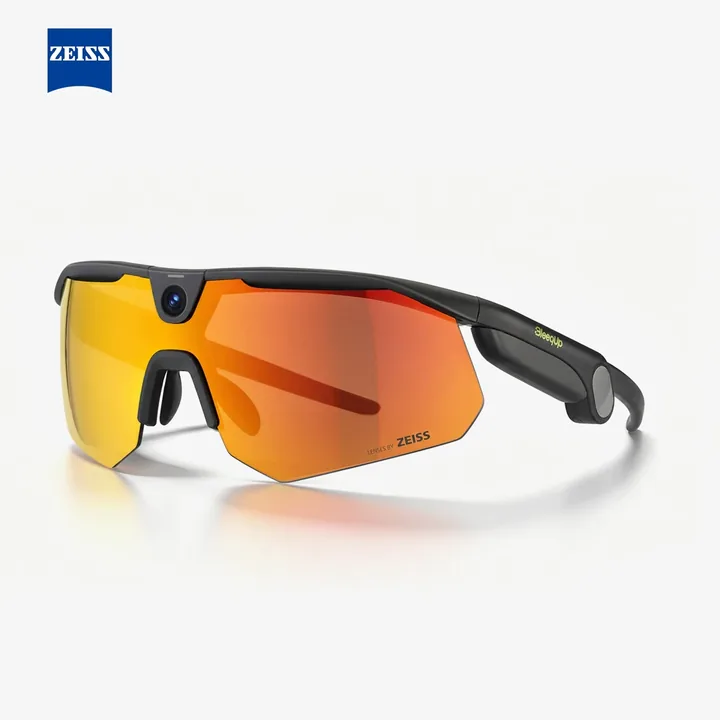
Rover’s camera can be tilted to -10°, 0° or 15°. The adjustment gives a rider another way to frame a scene when helmet placement or a forward-leaning posture changes the camera’s view. It does not remove the need to check a sample clip with your normal equipment.
For a useful fit check, wear the helmet you actually ride in and record a stationary test before the trip. Look for the road, horizon and helmet edge in the footage. The best setting depends on your posture, so a published angle recommendation should be a starting point.
Storage, resistance and recording behavior
The checked Rover listing shows 64GB storage, a 53g frame and IP65 resistance. Supported capture reaches 3K60, but the manufacturer limits 3K60 and 1080p60 clips to one minute and 3K30 clips to five minutes. Recording stops at the limit; 1080p30 is listed without a per-clip limit.
Separate available storage from usable battery time. More capacity does not guarantee a longer continuous session. Plan charging and file export before a multi-day trip, and make a short test recording in the intended mode to confirm that your expectations match the actual workflow.
How to evaluate the sports AI features
BleeqUp advertises app-connected functions including clip search, a video roadbook, sports assistance and hazard-related alerts. These are manufacturer claims, not independently verified performance results. Check feature compatibility, language support, firmware and connectivity for your phone and region.
A sensible evaluation begins with one task: finding a saved clip, creating a ride summary or receiving a supported spoken cue. Confirm what data the app uses and which settings let you control uploads. Optional assistance should not interrupt attention to traffic or become a reason to depend on an alert.
Standalone price versus bundle value
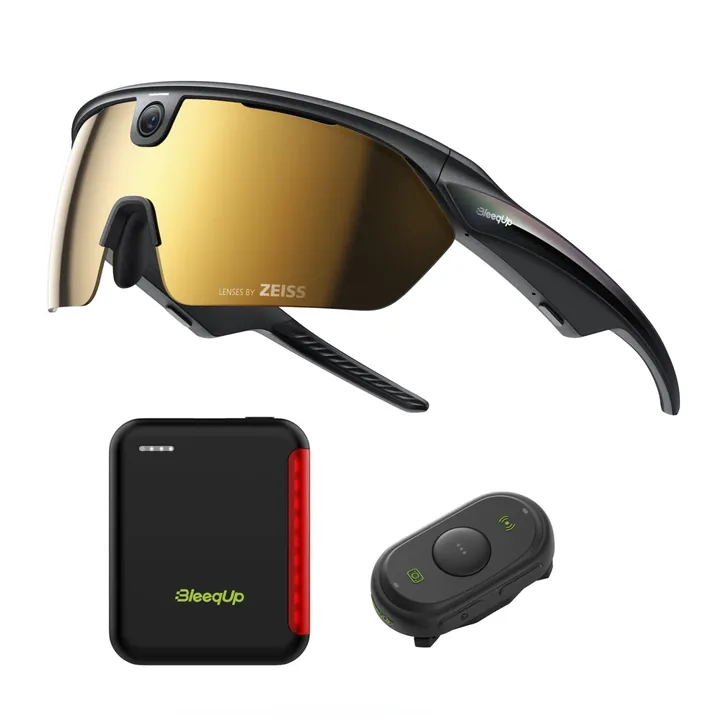
The checked US ZEISS configuration is $459. The Rover bundle is listed from $519 and includes Rover, its power module and a Bluetooth controller; selected lens upgrades may increase the cost. The current product page also gives an estimated delivery window, which should be reconfirmed at checkout.
A bundle offers value when you already need its included accessories. If you want only short clips on occasional trips, first compare the glasses alone. Verify that the power accessory is the Rover version, then compare warranty, shipping and tax using the same delivery address.
Who should research Rover?
Rover is a stronger candidate when adjustable framing is important and you expect to use its additional app features. Ranger remains a relevant alternative for buyers who want a simpler sports capture purchase. The right choice follows your recording workflow and fit rather than the length of a feature list.
Before paying, check camera angle with your helmet, recording limits, app support, export quality and the exact package. Read our Rover-versus-Ranger comparison and accessories guide to complete the decision.
Analysis: who it is for / who should skip it
Rover is relevant when a rider can identify a framing problem that its three camera positions might address and has a supported phone for the intended workflow. Extra storage can matter when file transfers are inconvenient, but it is not a substitute for charging time. Skip it for visible navigation text, shared entertainment or an assumed continuous high-resolution recording solution. Its documented sports assistance should be assessed as optional software, not a reason to depend on an alert while riding.
What to check before you buy
The official Rover compatibility table identifies supported Apple and Android devices and states that feature availability varies by model and system version. At this check, the Apple reference names iPhone 14 or later with iOS 18.7.5 or later for the listed high-frame-rate modes. Check the precise current row for your phone rather than extending that statement to every iOS device or to Ranger.
Use the official app-download route, then confirm firmware, file retrieval and the feature you intend to use. For accessories, distinguish Rover Power Plus from the separately named Ranger module. BleeqUp's shipping policy says dispatch location depends on stock and destination, with possible remote-area charges and international duties. A US price does not establish delivery eligibility, app access or the total for another country.
Analysis: comparison with alternatives
Ranger remains the relevant simpler sports-camera comparison when fixed framing and its documented storage are sufficient. A Rover bundle is worth investigating only when its power module and controller are also needed; selected replacement lenses change the package. Compare those actual components rather than assigning value to a photograph. For a fundamentally different audio-and-capture workflow, the tracked Rokid Style guide explains why display-free eyewear still has model-specific software requirements.
FAQ: is the camera angle fixed?
Rover's official specification gives three tilt positions: minus ten, zero and fifteen degrees. That describes a framing adjustment, not an independently measured stabilization benefit.
FAQ: does more storage guarantee a longer recording session?
No. Battery availability and recording-mode limits are separate from capacity. The manufacturer lists clip limits even for the higher-capacity Rover model.
FAQ: will any Android phone enable every capture mode?
The official compatibility page limits higher-frame-rate features to selected devices and notes that availability varies. Verify the exact model and system version.
FAQ: can I reuse Ranger Power Plus without checking?
BleeqUp publishes separate Ranger and Rover power-module listings. Use the model-specific official compatibility statement instead of assuming interchangeability from the accessory name.
Guide details and methodology
All insightsBuyer’s guide
Explore Rover’s adjustable POV camera, storage, companion app and sports features before choosing the glasses or bundle.
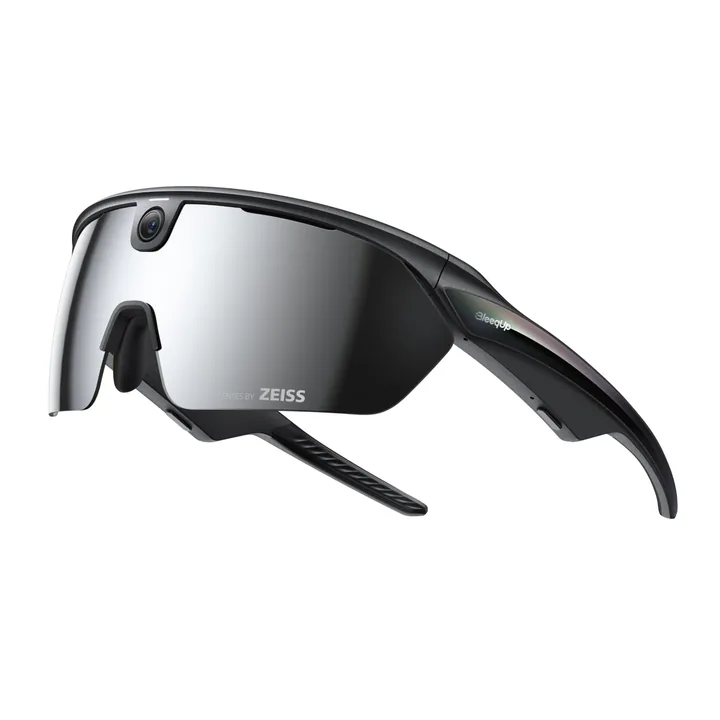 Manufacturer product image · Source: BleeqUp official store.
This is a specification-based review. HoloNexa did not hands-on test the BleeqUp Rover.
Documented compatibility can change with hardware, software and accessory revisions. No hands-on testing is claimed.
Recorded US prices
- BleeqUp Rover$459 · Price checked: November 2, 2026 · Official price source
This status applies to the price record only; specifications, compatibility and final availability require separate confirmation.
Affiliate disclosure: HoloNexa may earn a commission from qualifying purchases at no additional cost to you. Confirm the Rover configuration, shipping destination, taxes and final price before ordering.
This research-based guide uses manufacturer documentation for product facts. Evaluation and buying guidance are independent analysis; it is not presented as hands-on testing.
Accessories: check compatibility before ordering
These are separate accessories, not complete glasses. Check the exact model and existing bundle contents before buying.
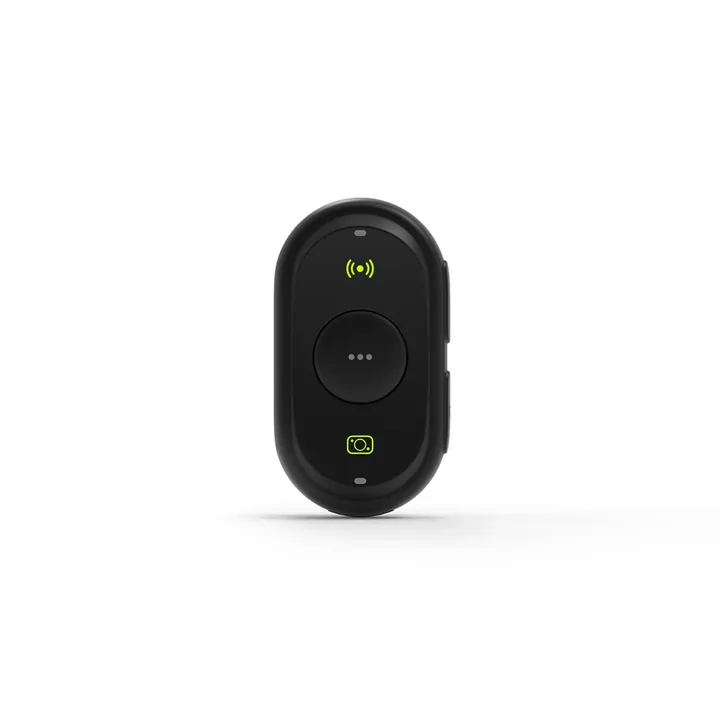
BleeqUp Bluetooth Controller
$49Price checked: November 2, 2026Official price sourceRanger and Rover, with pairing required
Details and limitations Check BleeqUp Bluetooth Controller — affiliate link HoloNexa may earn a commission from qualifying purchases at no additional cost to you. Confirm model compatibility, selected configuration, regional currency, shipping and final price before ordering.Official sources
Specifications, availability and program terms can change. Confirm current information on the linked manufacturer pages.